
Try these M3U lists we found through google :
https://www.5kplayer.com/video-music-player/free-iptv-playlist-m3u-links.htm
https://reposhub.com/javascript/video-audio/iptv-org-iptv.html
After you login in find the M3U Editor here:

Click on the Provider TAB and add a ROW:
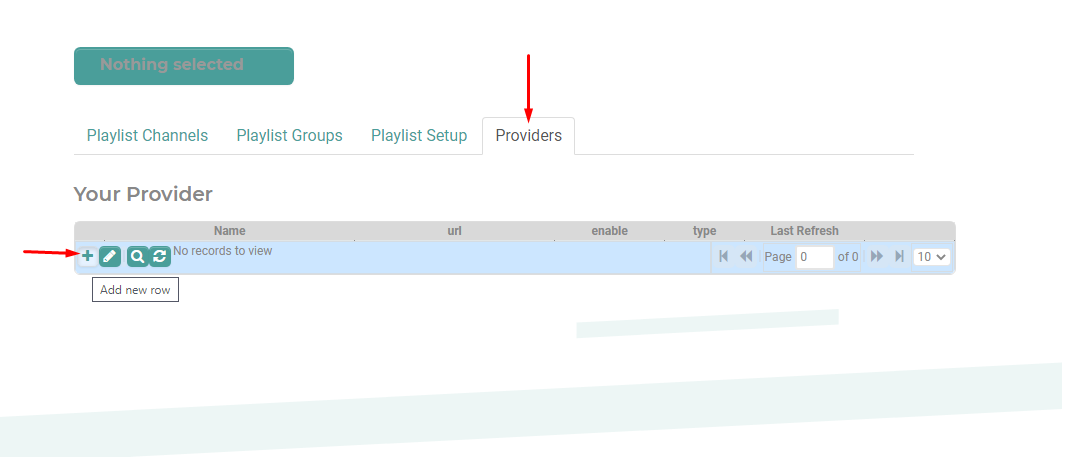
M3U must have the username and password in the URL for M3U lists if one is provided.
XTREAM *MUST* have the username and password entered below.
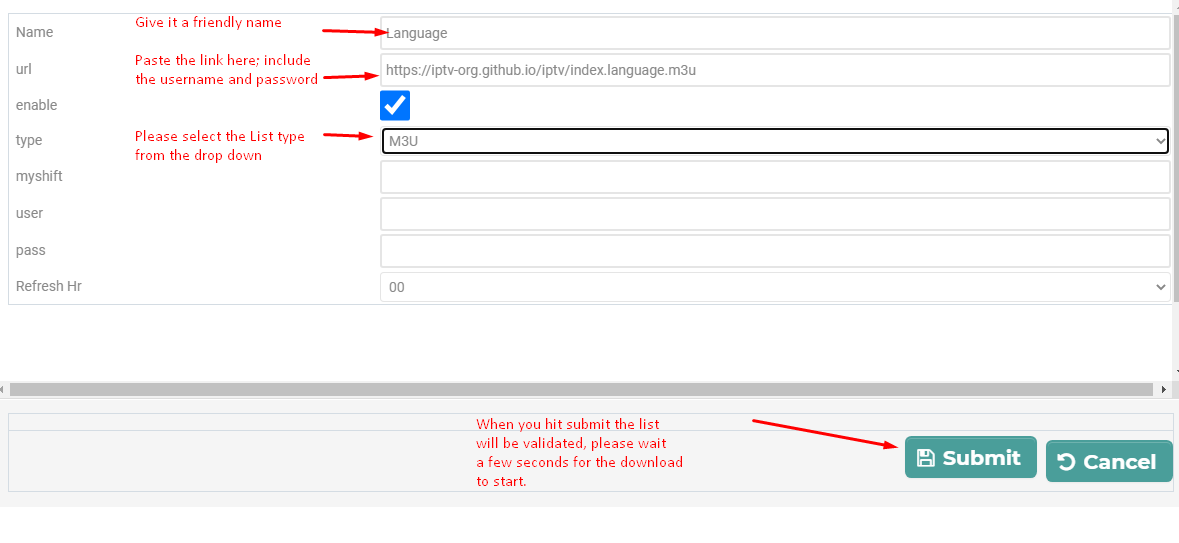
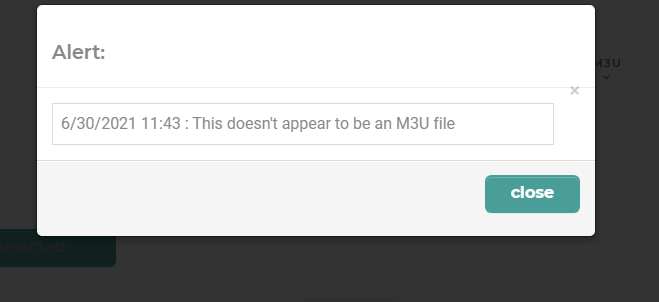
After you hit submit, it may take a few seconds to check the M3U - if there is an error you need to try again:
If no errors it, the provided will download, this may take up to 60 seconds to start:
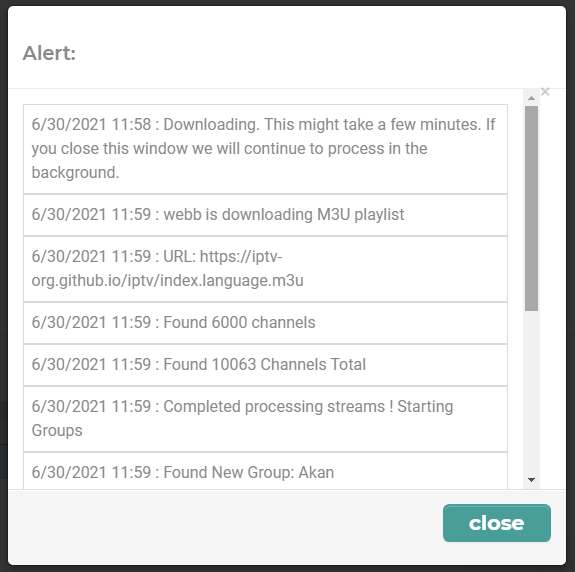
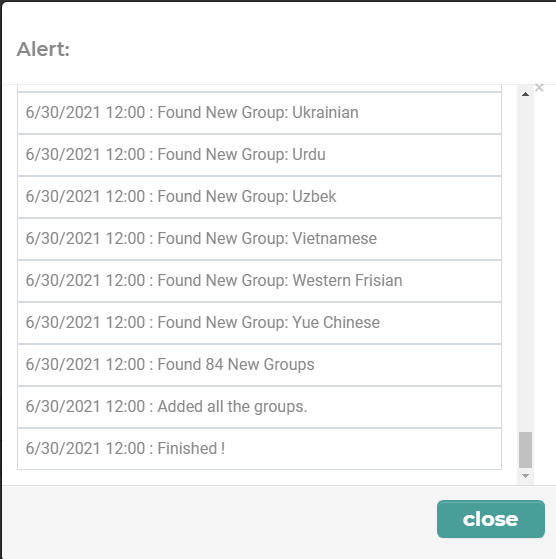
This could take a few minutes depending how large your list is, look for the word "Finished" -
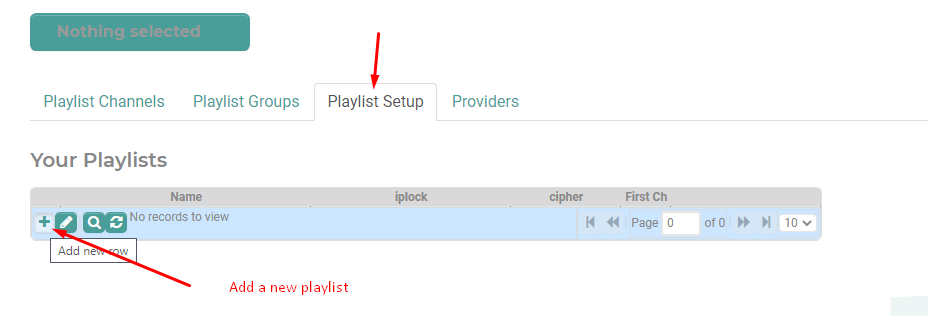
Now that you have a provider, add your first playlist :
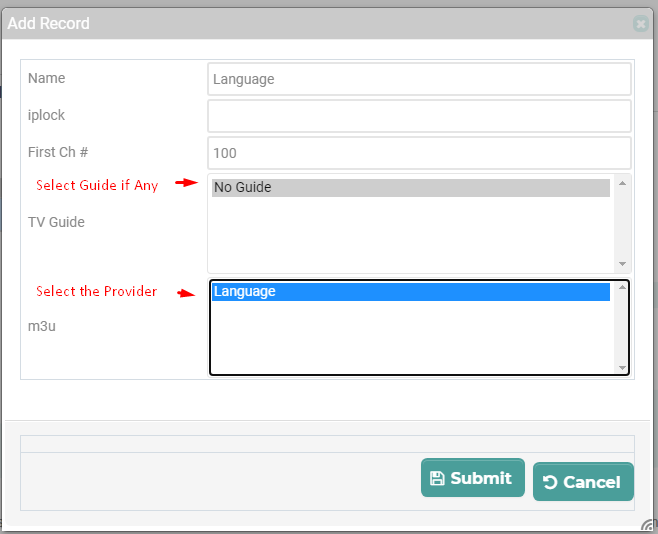
Give it a name, if you have a guide in your provider list it will show here:
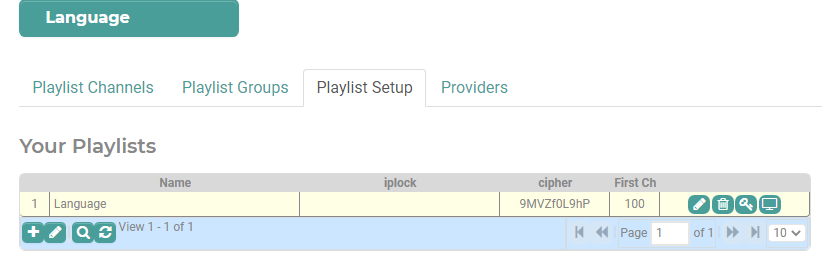
This is your new Playlist:
Move a group:
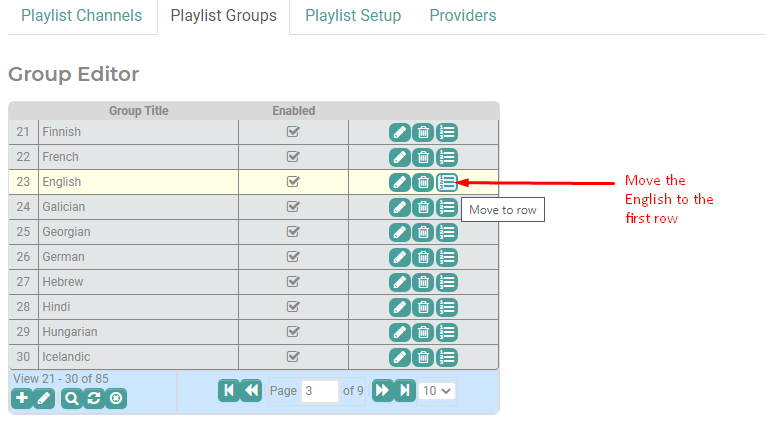
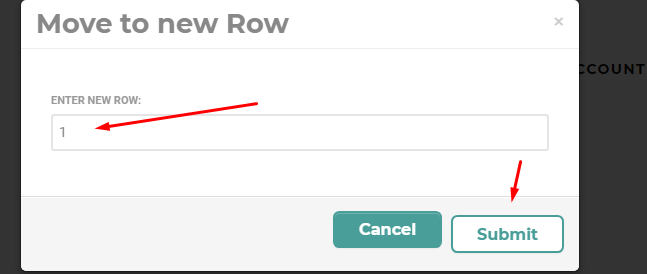
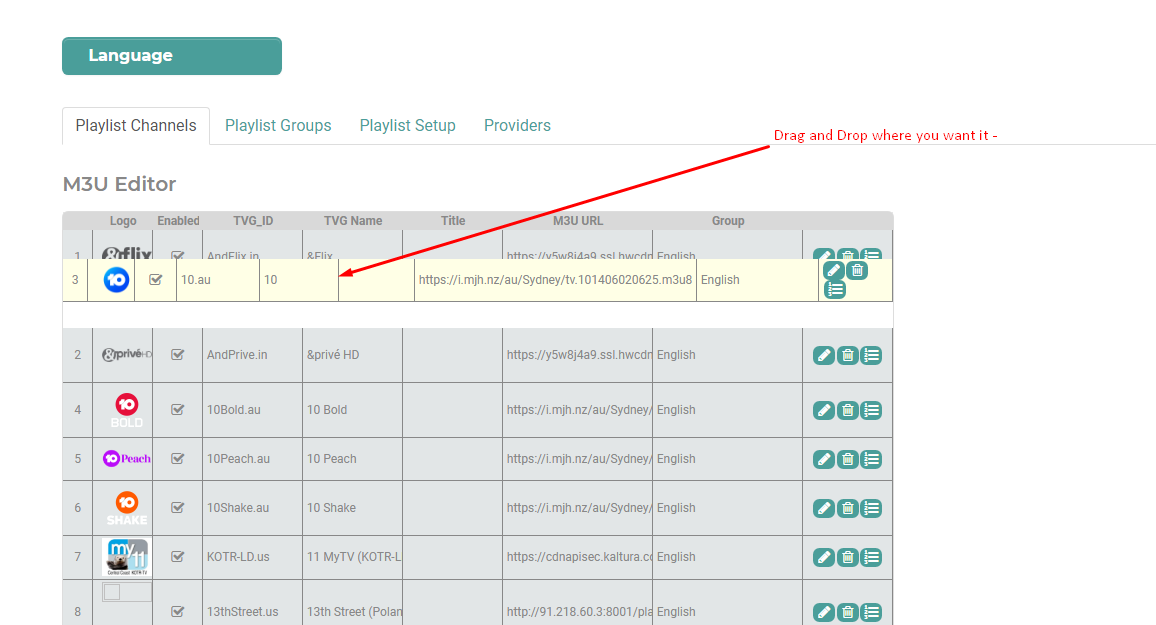
Let's move channels around:
Make use of the search options at the bottom to move channels around:
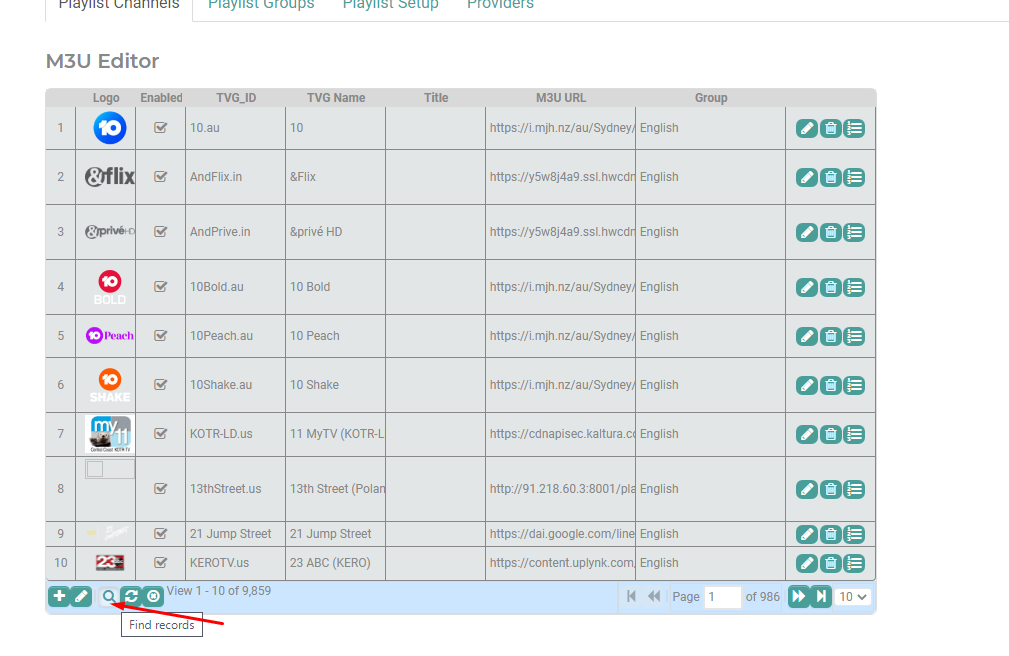
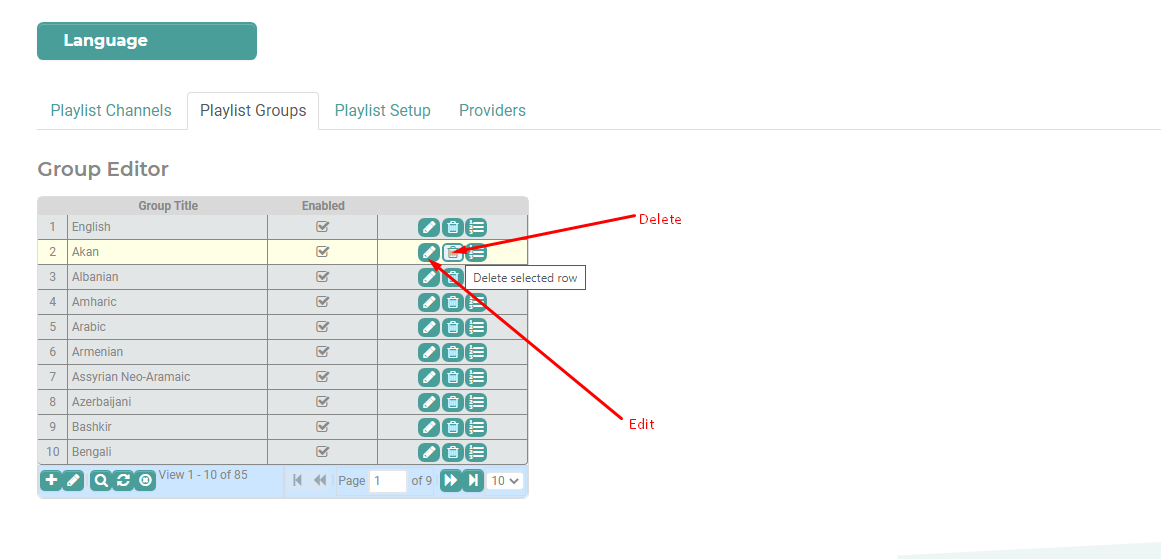
You can search, move delete channels and groups:
Lets' use your playlist:

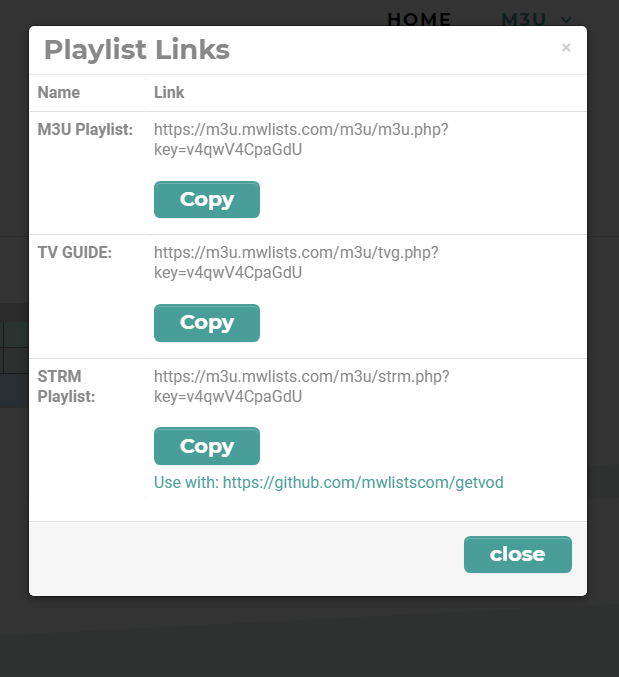
https://github.com/mwlistscom/GetSTRM
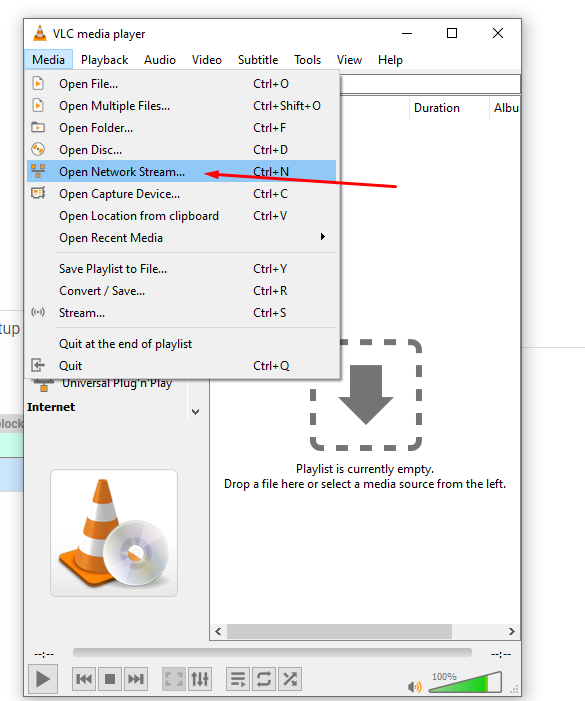
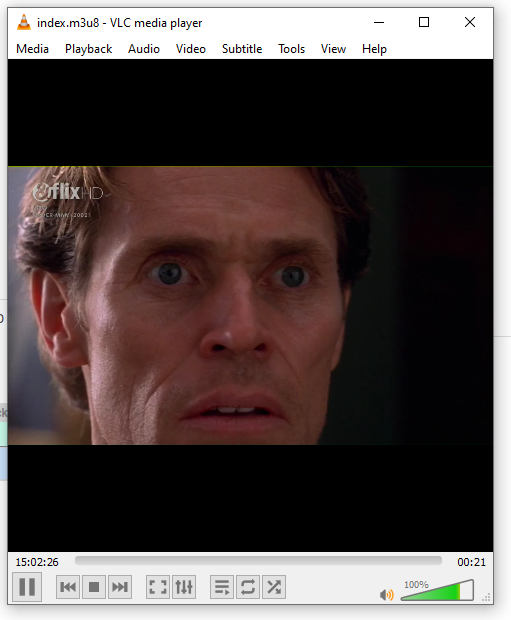
Play in VLC:
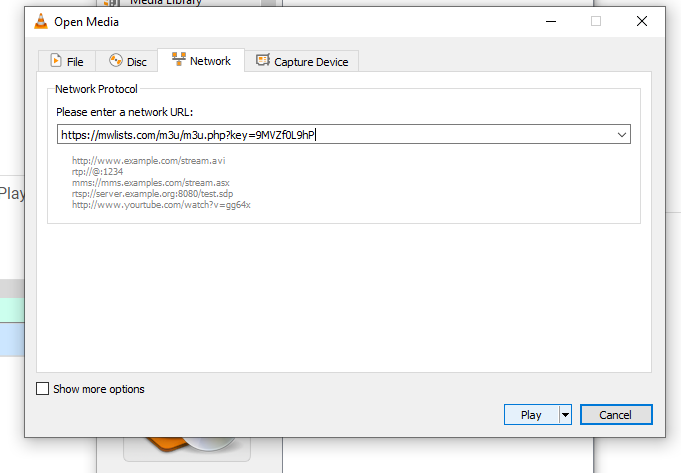
Paste in the link and start playing:
VLC will start playing the first channel :
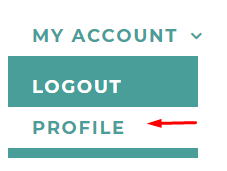
Be sure to set your Timezone, so that your updates occur when you expect them :
Providers will update once every 24 hours. On the Provider list, you will find the last refresh date and time based on your time zone.
